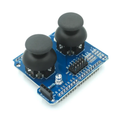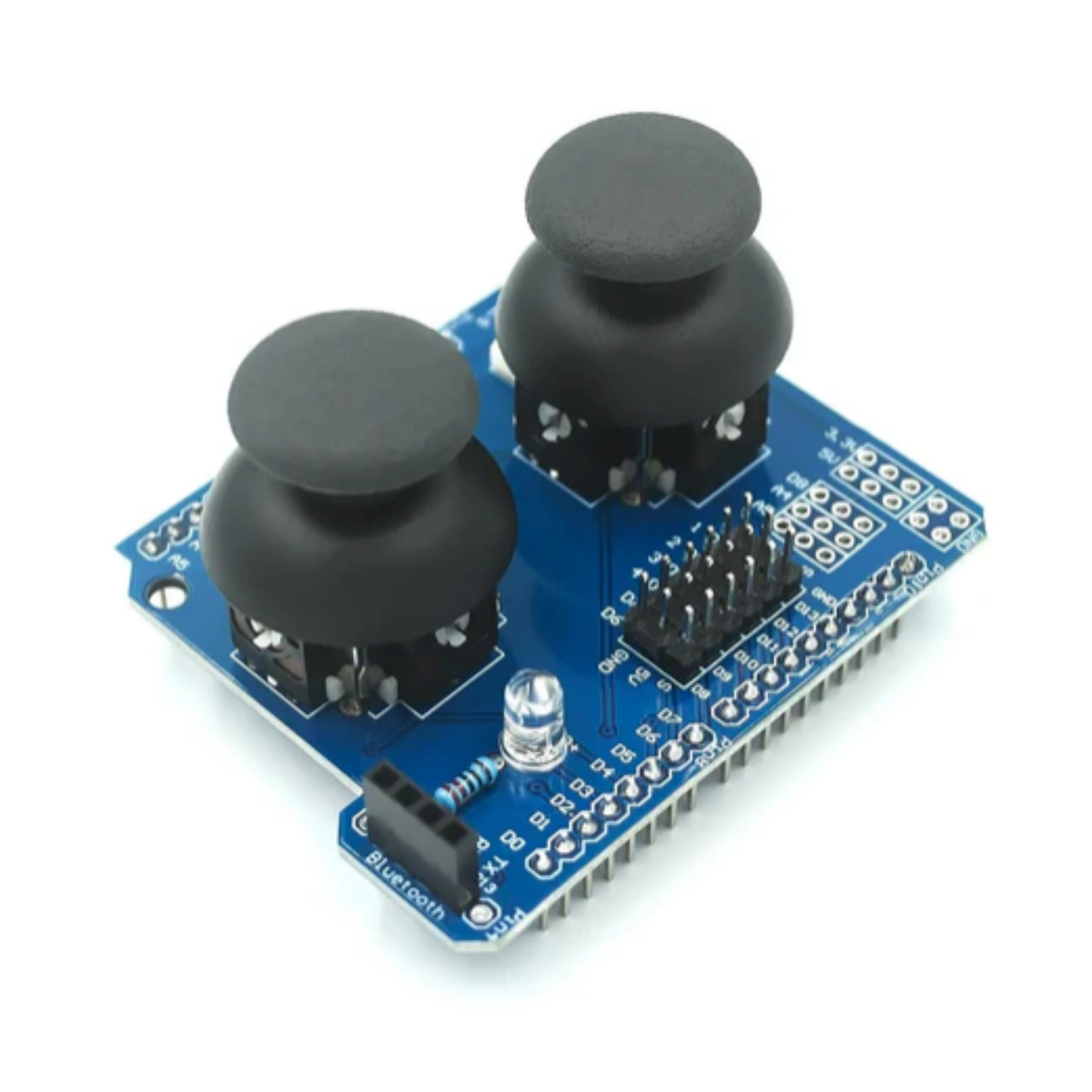
Joystick Shield V1.A 2-Axis Analog Gamepad Controller for Arduino UNO R3
SKU AA742
Joystick + button gamepad shield for Arduino UNO R3, ideal for robotics control, menus, and interactive projects.
- Free Ground Shipping U.S. orders $35+
- Ships from USA Worldwide via DHL
- 30-day returns Free defect replacement
- 7-day support Fast email replies
 Joystick Shield V1.A 2-Axis Analog Gamepad Controller for Arduino UNO R3No reviews yet
$6.99
This item
Joystick Shield V1.A 2-Axis Analog Gamepad Controller for Arduino UNO R3No reviews yet
$6.99
This item
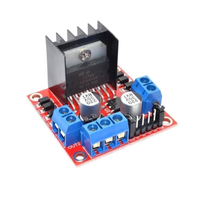
Products related to this item

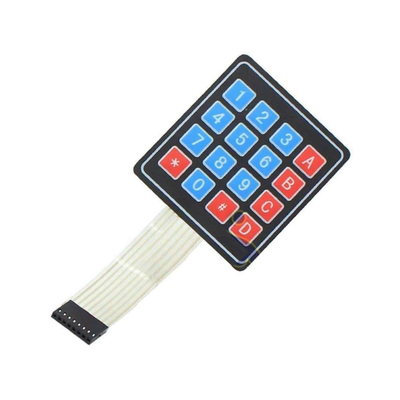
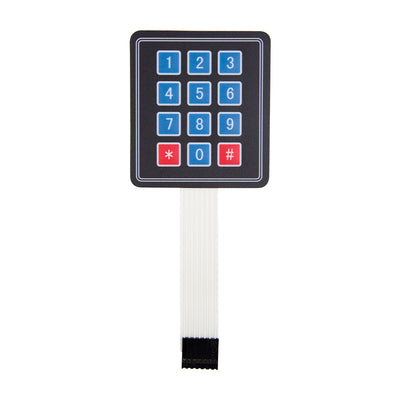
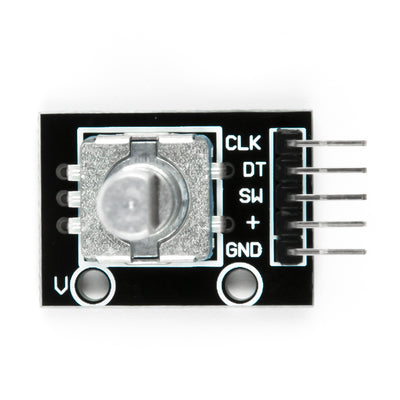

Overview
Product Overview
The ShillehTek Joystick Shield V1.A turns your Arduino UNO R3 into a handheld-style controller setup by combining a 2-axis analog joystick with multiple tactile buttons in a single shield you can stack directly onto the board. It is perfect for robotics control, menu navigation on displays, game-style projects, and interactive demos where you want real input controls without wiring a bunch of separate buttons. This shield is a solid choice for quick prototyping, STEM learning, and building Arduino projects that feel like a real controller.
Questions & answers
Frequently asked questions
Have other questions?
Chat with our US-based team — we usually reply fast.
What's included
Features & Specs
Reference
Documents
Full Product Manual ShillehTek Joystick Shield V1.A 2-axis analog Gamepad Controller Module for Arduino R3 | ShillehTek Product Manual In-depth setup guide with wiring, code examples, and troubleshooting.Learn
Related Tutorials

Watch
Related Videos
Verified buyers
Customer Reviews
Joystick Shield V1.A 2-Axis Analog Gamepad Controller for Arduino UNO R3