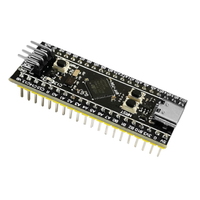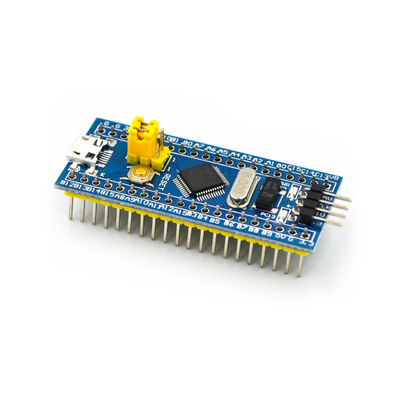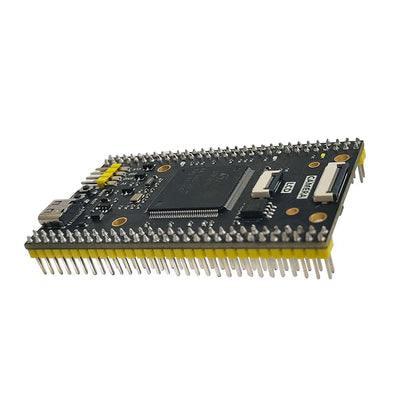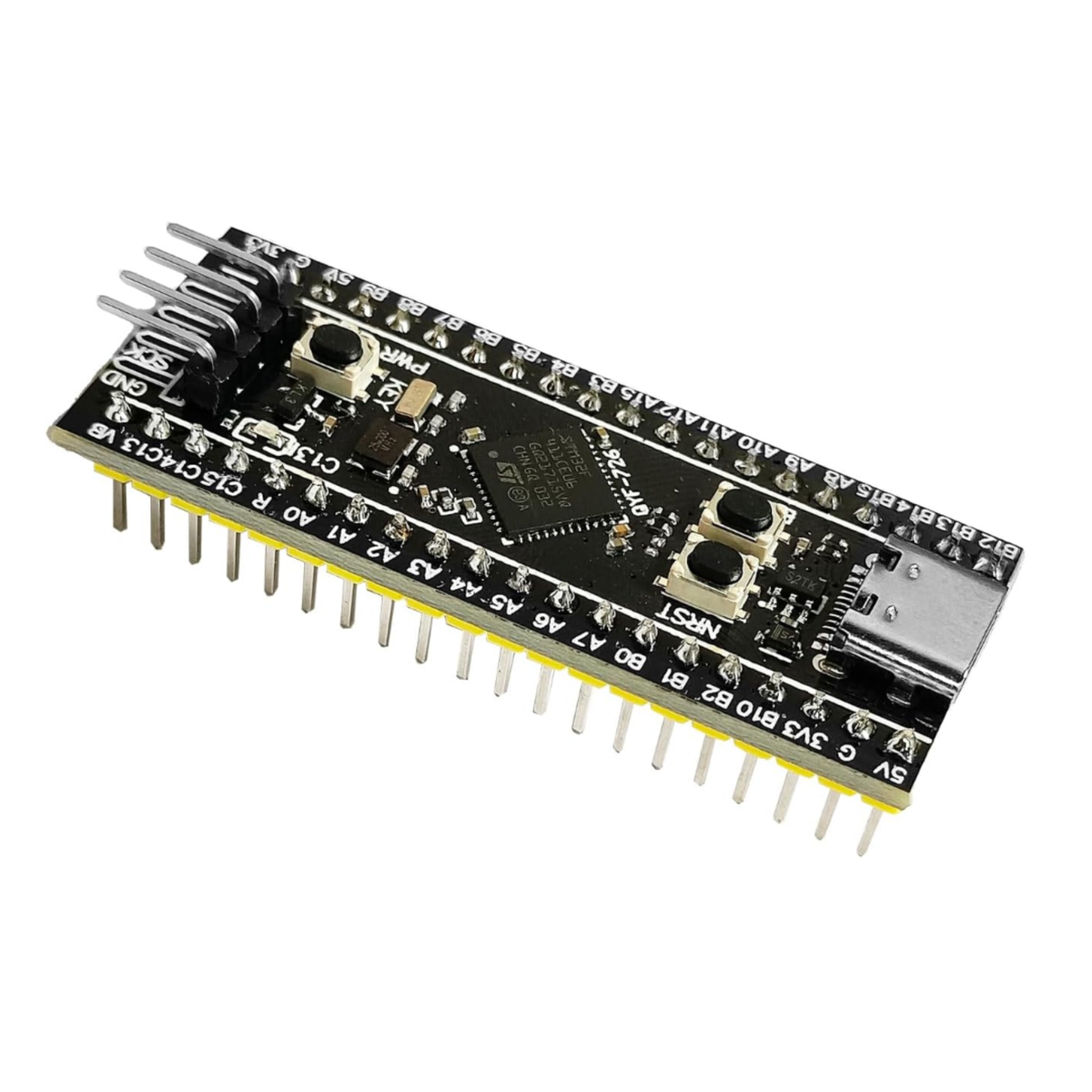
SHILLEHTEK Pre-Soldered STM32F411CEU6 Black Pill ARM Board
Couldn't load pickup availability

- [PRE-SOLDERED & READY]: Comes pre-soldered with headers, eliminating the need for manual soldering and ensuring quick setup.
- [ENHANCED PROCESSING POWER]: Powered by the STM32F411CEU6 ARM Cortex-M4 CPU running at 100 MHz, featuring 512 KB Flash and 128 KB SRAM for robust performance in complex applications.
- [USB TYPE-C INTERFACE]: Equipped with a USB Type-C connector for reliable power delivery and seamless data communication, simplifying connections and ensuring compatibility with modern devices.
- [VERSATILE I/O OPTIONS]: Offers extensive GPIO access, including interfaces for SPI, I2C, USART, ADC, and PWM, providing flexibility for diverse project requirements.
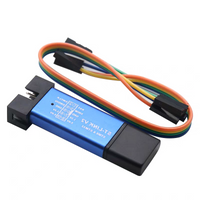
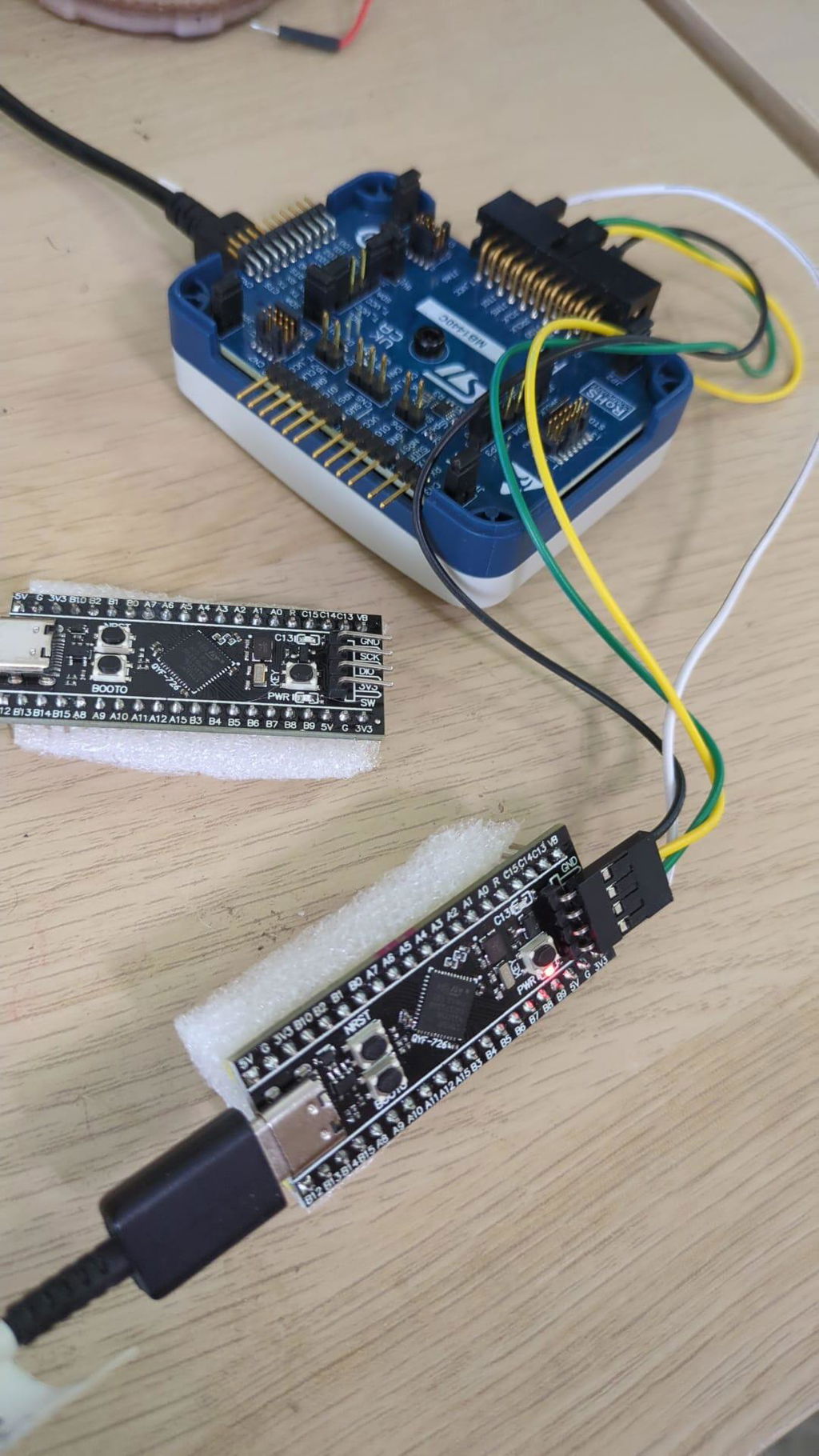
- [CONVENIENT PROGRAMMING & DEBUGGING]: Supports multiple programming methods via USB Type-C, ST-Link USB dongle, or external USB to 3.3V TTL adapter, and includes an SWD interface for efficient debugging and development.
No additional feature info available.
No documents available. Please contact us for more information.
This dev board has worked great for a few projects. It does everything you'd need from an F411 STM and the type-c connector is a plus
It's a nice board - decent quality. Nice to see it pre-soldered. Documentation is lacking so setup was not as easy as it could be.Once setup it is great for basic projects, with very low power consumption.Decent value - although there are many other product with more documentation out there for the same price range
I can't say much else about this as I have not tested it yet, however, it should be noted that as per other comments, this appears to be a weact clone V2.0. There are V1.X and 3.X out there as well, I needed a 2.X... will update more once I use it.
This is a simple pre-soldered tiny development board with a 100mhz of processing power. The quality of the pins' connection is strong and its ready to be programmed and dropped into a project. It has USB-C for programming and power. There is a built-in DFU bootloader, but you can also use ST-Link V2. It has power and reset buttons as well as a button to change boot modes. Very reasonably priced and readily available with little to no soldering required. Overall, these work great for simple projects. Very easy to incorporate into many different ideas and the pre-soldered pins make adding sensors extremely easy. Not the best interface but if you know what you're doing you should be able to get everything set up without issue.
I am using this to replace the discontinued control board for a very old claw machine. I paired this with some motor controllers and a few relay boards and this works great. The ARM processor is great and possibly overkill for the purpose, but it has plenty of IO and CPU/RAM to do the job. Great price and was easy to get working. The project is still underway, but from my initial experience I would say it will be successful.
I got this dev board as I am learning about wireless network security and this seemed like a good way to dive in head first. I think it is, and once I got it set up, I have been enjoying playing around with it. It's also got a nice form factor to go in a simple case at some point, though I haven't gotten around to that yet.Do be warned that this thing does not come with any indication of how to use it. Fortunately, a couple of the other product reviews here helpfully mention the name of the chip / firmware, and how to get started with it. I think based on the average consumer, at least a QR linking to a quick start tutorial would be nice.Overall, I like it a lot.
Great little dev board! Works exactly as advertised and as you'd expect for having the chip and the connections it has. Great for playing around with or creating a real device with. Type-C connector for the computer makes it easy to do dev work with. Highly recommended if you're looking for a board like this, love it!
Arrived in a tiny bubble envelope. The specifications are exactly as described in the product listing and this worked for my little project.
The SHILLEHTEK Pre-Soldered STM32F411CEU6 development board is a fantastic starting point for ARM Cortex-M4 projects. Arriving pre-soldered with headers, it eliminates tedious setup and allows you to jump straight into coding. Powered by the robust STM32F411CEU6 CPU running at 100 MHz, this module offers ample processing power with 512KB Flash and 128KB SRAM for complex applications.The inclusion of a USB Type-C interface simplifies connectivity for both power and data transfer, while the versatile I/O options – including SPI, I2C, USART, ADC, and PWM – provide flexibility for diverse projects. Programming and debugging are also streamlined thanks to support for multiple methods via USB, ST-Link, or TTL adapter, along with a dedicated SWD interface. This “Black Pill” module is an excellent choice for both beginners and experienced developers looking for a convenient and powerful development platform and great value..
Thanks to another review mentioning this is WeAct Black Pill F411, I was able to find the info I needed to program this. Why can't the item listing at the very list say this so people know what to look for? I'm new to this, so I just don't know where to look for this information yet. Considering this board is advertised as a beginner board for learning, I expect a little more than just the specs. They don't even mention how to boot it into USB mode.The hardware is good, and it seems to work fine. The USB works for flashing the board. It's fits on a standard breadboard. The price at this time does feel a little bit high for a single black pill board though.I was able to flash a blinking light program using the STM software over USB. It's pretty simple to do this using STM Cube IDE. Here are the steps:1) Install STM Cube IDE2) Create a new project (it generates the project for you based on the processor you choose)3) In the CPU pin layout selector, find the PC13 pin, select GPIO_Output, and give it a label (such as USER_LED)4) Save and close the file, let it generate the code5) Within the main function's while loop, add this code: HAL_GPIO_TogglePin(GPIOC, GPIO_PIN_13); HAL_Delay(100);6) Build the code (ctrl+b)7) Install STM Cube Programmer and open it8) While holding down the BOOT0 button, plug in the board via USB9) In the top right corner of Cube Programmer, select USB and click the refresh button below that10) On the left side of the screen, select the "erasing and programming" menu11) Under Download, choose your .elf file, which should be in your project Debug/ directory12) Select the "run after program" checkbox13) Click "start program"14) That's it! If everything was done right, the program is flashed to the board and the blue LED is blinkingAfter that, I hooked up a FT232RL serial device to usart1, programmed it through that, and then read a log message sent from the microcontroller over usart to my computer. So I can verify that usart1 works as expected.