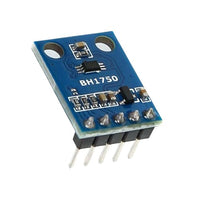
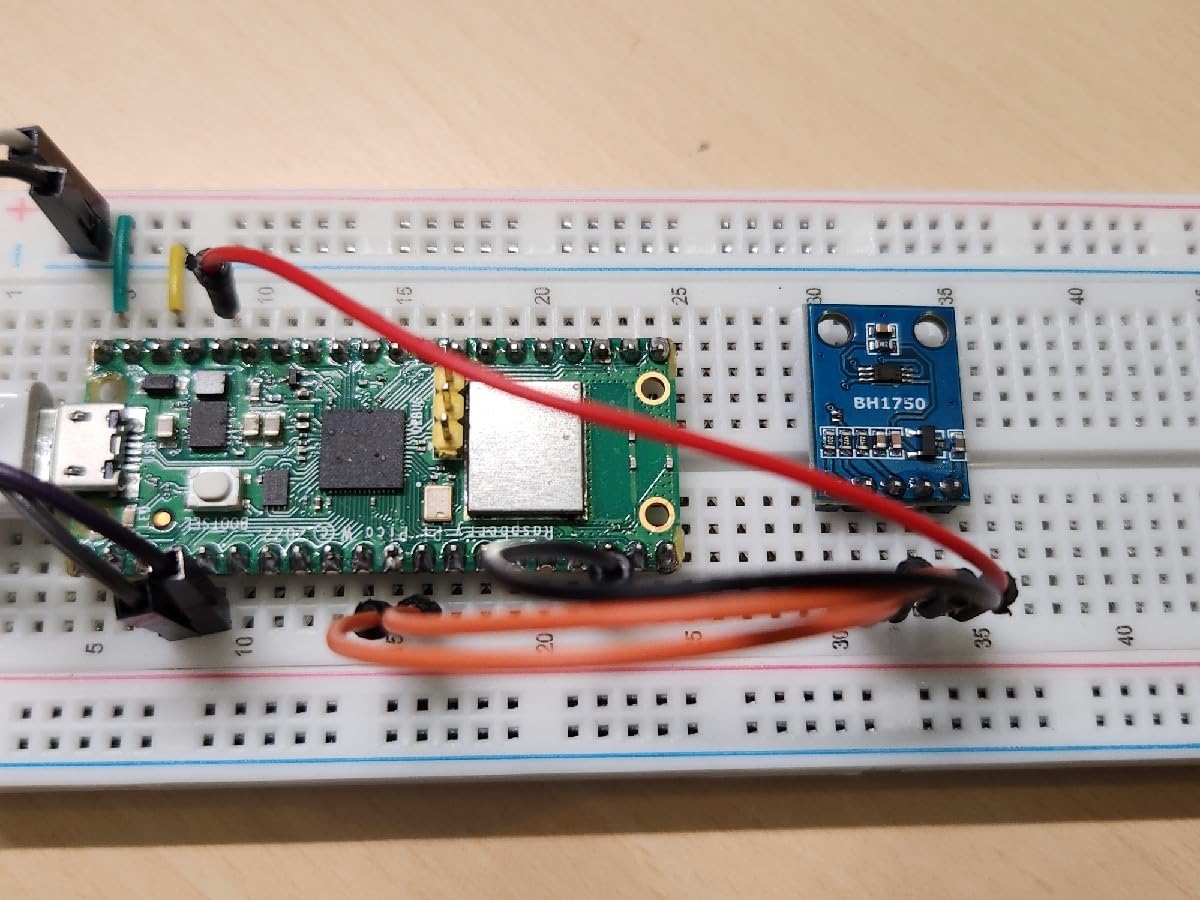
SHILLEHTEK BH1750 Digital Light Sensor I2C Arduino Pi Pro v2
Couldn't load pickup availability

Features:
- Digital Output: Provide straightforward digital output without the need for intricate calculations or calibration.
- Pre-soldered: Solderless! Pins already attached. Ready to plug in and go.
- Compatibility: Perfect for all models of Raspberry Pi, Arduino, and various microcontrollers.
- Versatile Applications: Suitable for a wide array of applications, such as ambient light monitoring, smart lighting systems, and other projects requiring precise light intensity data.
- Dual Measurement Modes: Offers flexibility with both High-Resolution and Low-Resolution modes, allowing users to choose the level of detail in their light intensity readings based on specific project requirements.
- Wide Dynamic Range: Covers a broad spectrum of light levels, making it versatile for use in environments with varying lighting conditions.
No additional feature info available.
No documents available. Please contact us for more information.
There work well. Good low and high light level range. I don't like the sensor placement on the pcb. Not ideal for placement in a 3D case. I ended up using the variant that includes a 1 inch dome cover. Less sensitive but still great light range.
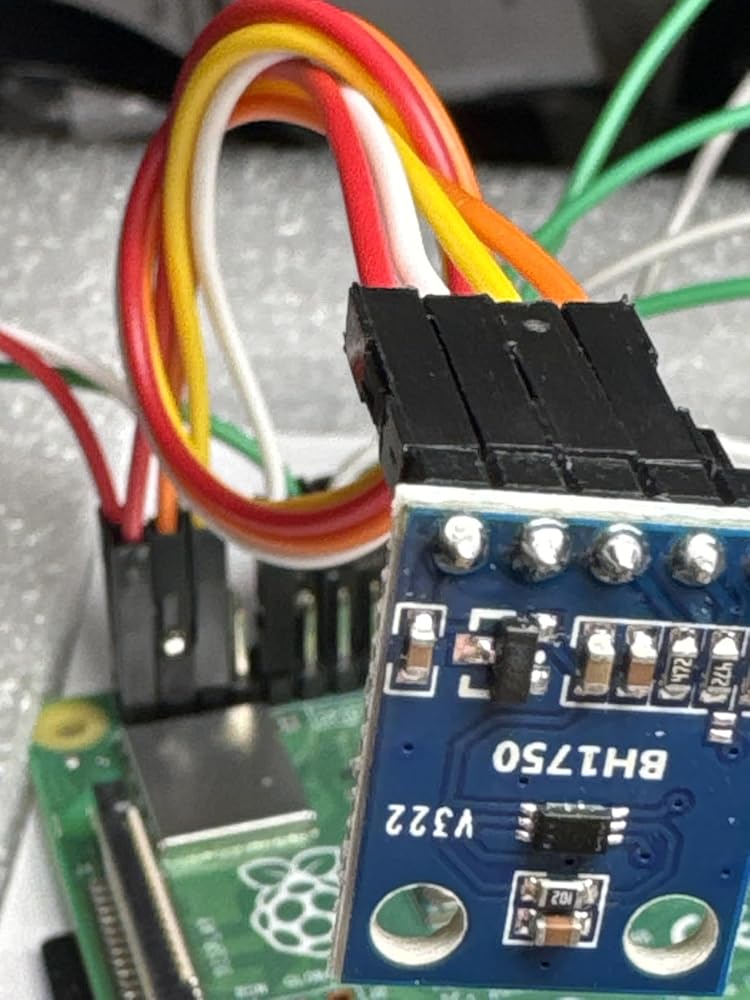
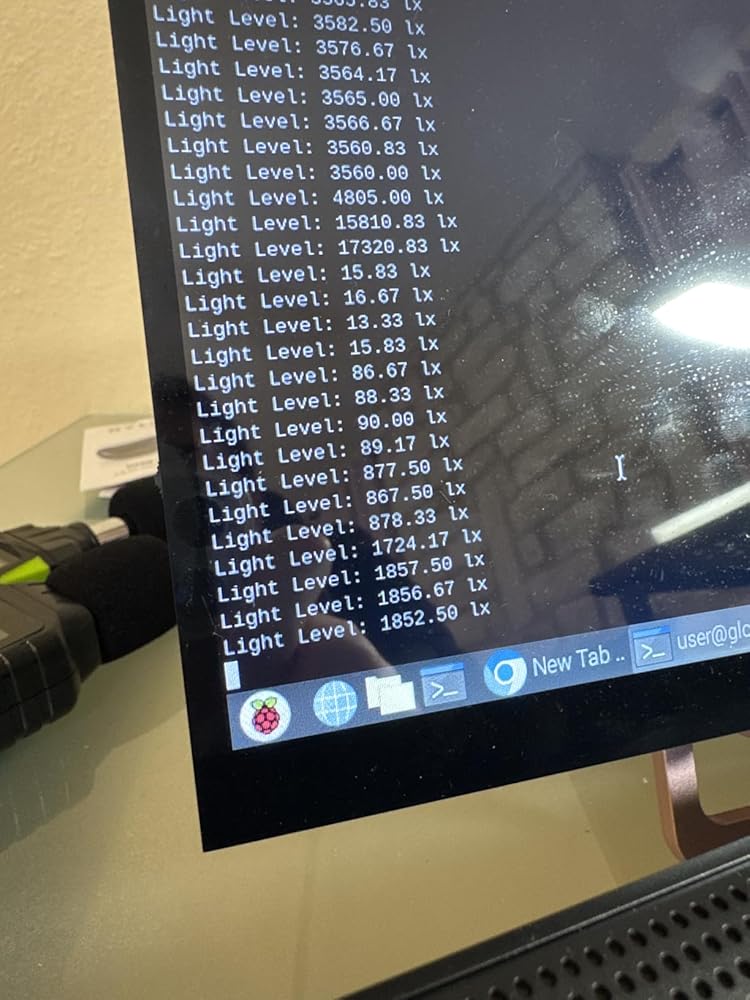
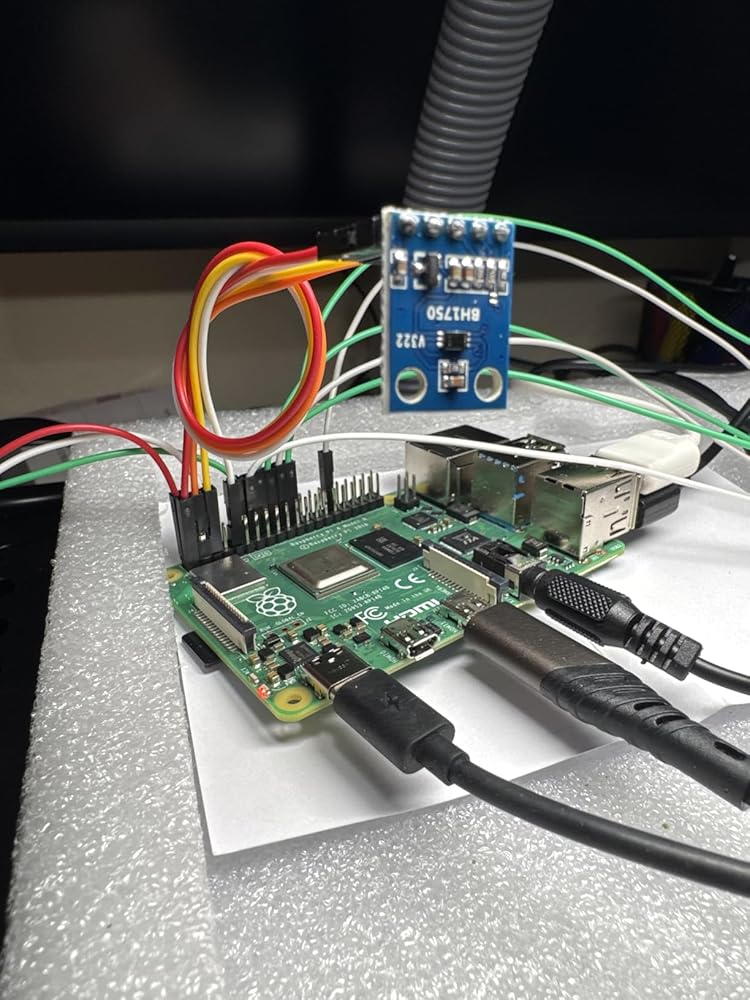
Love my BH1750. Install to my raspberry pi 4b was a piece of cake. ChatGPT has all the installation instructions and it works perfectly. Installed and used a test script in like 20 mins. 20-100 lux with light from another room, 1200 lux with light on it, 13000 lux with the light inches from it, def works. Plan to purchase these in mass if my project takes off.Pin mapping:BH1750 Pin // Raspberry Pi 4B GPIO LabelVCC (Power) // 3V3 (3.3V Power)GND (Ground) // Any GNDSCL (Clock Line) // SCL1 (I2C Clock)SDA (Data Line) // SDA1 (I2C Data)ADDR (Address) // Leave Open
It has been working for me just fine for a few months now, just to control some LED lights based on outside brightness.If you are new to these or just haven't played around much with micro-controllers just know they don't provide much documentation. I would recommend doing some googling on the BH1750 light sensor and how you can incorporate it properly into your projects.
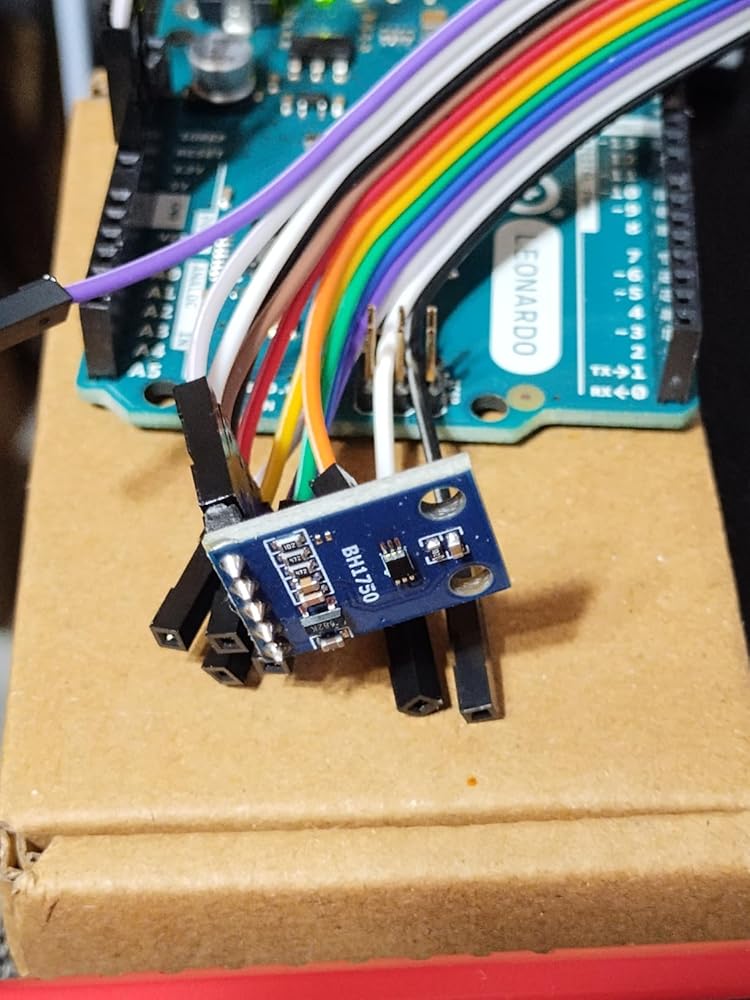
I attached it to a Arduino Leonardo. With VCC on 3.3V, GND, and SCL/SCA attached I ran the hp_1750 BareMinimum sketch. On the serial console I could see values being printed.I compared the output with my Uni-T UT383 Lux meter and generally they are in the same ballpark. For example with both meters side by side I shined a flashlight from about 2 feet away. The UT383 read about 3200 lux, while the BH1750 module read 2950 lux.It looks like doing accurate analysis with this type of meter is a bit more complex, and requires some extra considerations. Out of the box though it's very easy to get going for simple comparative analysis.From what I understood there is a trade-off of resolution, maximum lux, and speed of measurement. You can make a decision about how to set the Quality and MTreg settings based on your own requirements.Since this is supposed to be 5V tolerant I also tried powering it with 5V, and operation/values received were the same. On the board I can see the VCC pin is connected to a SOT23-3 chip marked 662K. Search indicates this might be XC6206P332MR 3.3V voltage regulator.The circuit seems to lack proper level shifters for the I2C data lines. It might prove problematic with some I2C busses, but I only tried it on the Arduino.
So long as you follow the directions for using whatever library you choose this is an accurate sensor
Nifty little module when you need to measure light quantitatively. The unit measures light in LUX which is nice. I used the Adafruit example code and it worked well to get it going. The unit is well made, and very reasonably priced.I used mine on an STM32 blue pill board. I'd recommend it to anyone.
I am very happy with this item.I ordered this to sense when my laser engraver door has been opened. While overkill, it worked perfectly in that role. I used it with an Arduino to send a message to my computer that in turn send me a text message if the engraver door is opened during a cutting operation.The quality is on par with what you would expect to find for this type of module and Arduino documentation and code were easy to find all over the internet.I'd definitely recommend this item to friends and colleagues.
Despite its ease of use, it comes in the bare module WITHOUT any cable nor specifications/tutorial. Fortunately it's easy to find its usage online.Pretty straightforward, it only requires minimum 4 pins connection, VCC, GND, SDA/SCD of the I2C. Reading is digital ready and much better than using LDR, in case you want to take the measurement in "lux".I tested it with Raspberry Pico, no problem in working but unable to confirm its "lux accuracy" but it appears reasonable.Great addition to IoT/DIY project in measuring light intensity in high accuracy requirement.
This sensor works on both 3.3 and 5v supply unlike some others. The results were same on both. My concern is there is absolutely no documentation of any sort on it. I understand its a product for nerds but some paperwork would have been nice.With that out of the way what you need to do is Google and there are plenty of guides to make this work. Amazon removes any links in the review so I won't be able to post it but its easy enough even for kids. I used it on a breadboard connected to Raspberry Pi 4B.
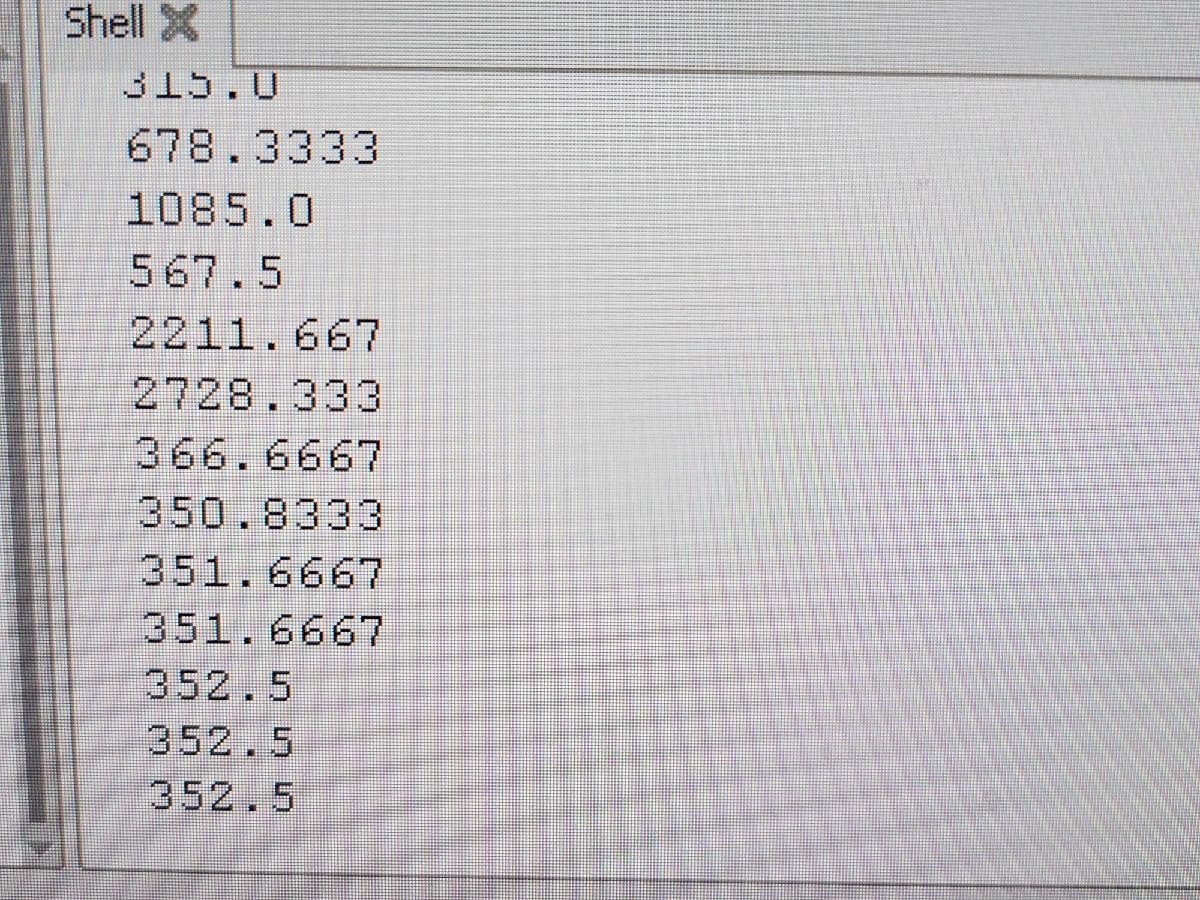
It came with no datasheet, but googling BH1750 found one quickly, and the TWI protocol described in that doc works. The sensor is what it is - you can find information about it elsewhere; this product is a breakout board to make that sensor more accessible to the hobbyist/designer. ON that front, it is OK. Everything seems to work fine, the soldering/assembly looks good. I ran a quick test to make sure it actually works, and it does (see attached photo). The only complaint that I have is that the pins, and screen printing (i.e. identification for those pins) are on the same side of the board, opposite the sensor - so when you put it on a breadboard, or piggyback it onto a PCB, you can no longer see the pin labels. Seems like it would be more useful to duplicate those labels on the other side of the board - it would be much more useful to users, at literally no additional cost to the manufacturer.